Principal of A Lot of Moving Parts, a design and technology studio. Columbia GSAPP adjunct faculty.
Infinite Image Grids are Flat Toruses
Every time I build a new slideshow, carousel, or infinite grid for a website, I try to distill the implementation to its simplest form. I find the math behind looping image components endlessly fascinating, and surprisingly deep.
The simple way to implement a carousel is to keep track of an index i that represents the current image. When the user advances, we increment i, and when they navigate backwards we decrement i. In order to keep the index in bounds (greater than or equal to 0 and less than the number of images), we can apply a modulo after every change: i % n (where n is the total number of images).
There's one trick to using modulo. In order to use the modulo operator to keep our index in the range , we need to ensure that it is a Euclidean modulo, which always produces positive remainders. Unfortunately, some programming languages (including JavaScript/TypeScript) use a truncated modulo operator (or a remainder operator) that produces negative remainders when applied to negative operands. In order to create a Euclidean modulo in TypeScript, we can define:
const mod = (x, n) => ((x % n) + n) % n;The result of mod(-1, 5) should be (positive) 4. (From here on out, when I refer to the modulo operator, I mean this modified mod function, not % directly.)
Here is a simple carousel that uses the modulo operator to advance through images in a loop.
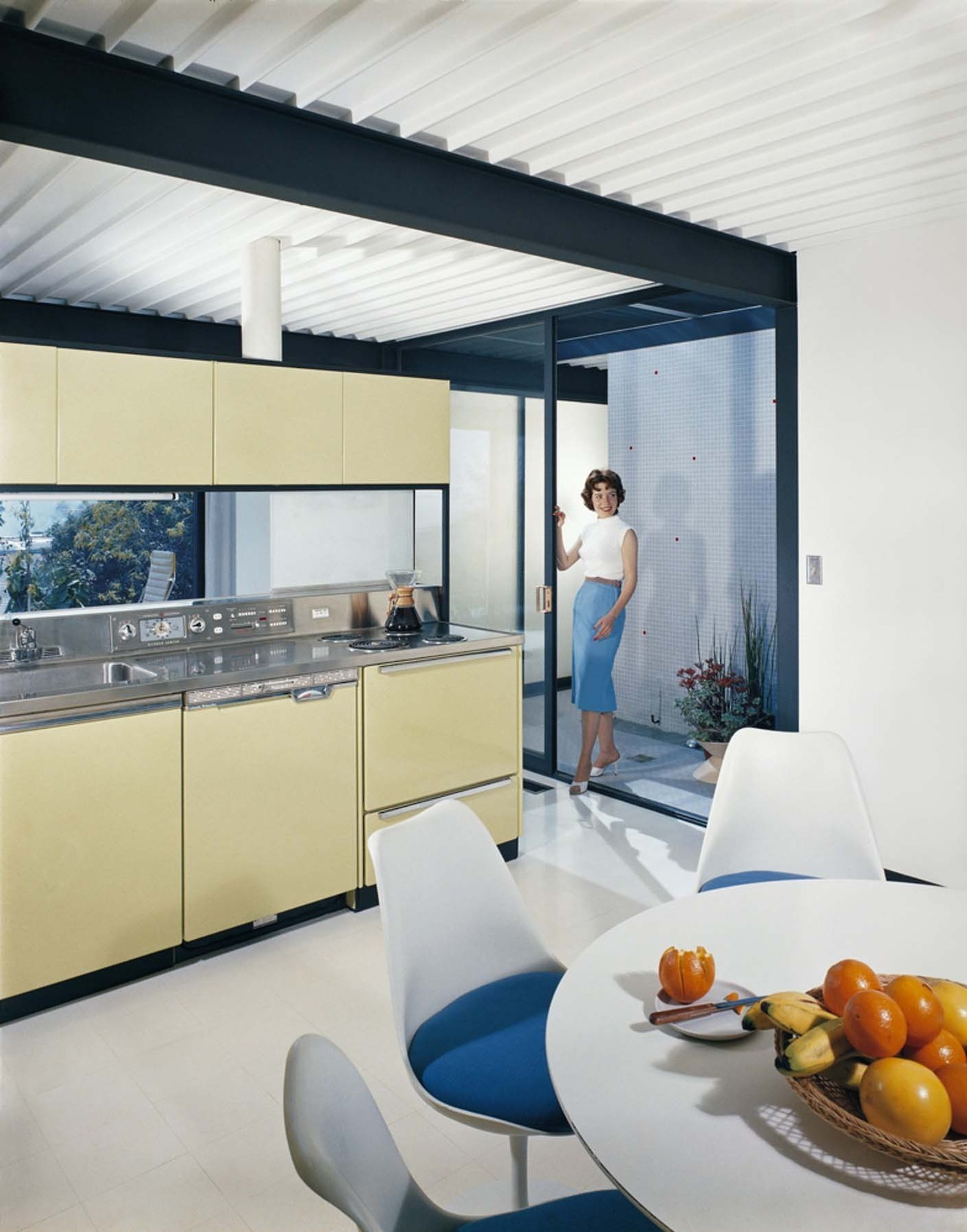
export function Carousel() {
  const [index, setIndex] = useState(0);

  function next() {
    setIndex((index) => mod(index + 1, items.length));
  }

  function previous() {
    setIndex((index) => mod(index - 1, items.length));
  }

  return (
    <div className="relative flex h-full w-full items-center justify-center">
      <img
        src={items[index].url}
        alt={items[index].alt}
        className="aspect-3/4 w-1/2 object-cover"
      />
    </div>
  );
}
This works for some applications, but it hides an important detail: a carousel is really about movement through space. As soon as we want multiple images visible at once or natural movement between images, we need a different approach.
Carousel
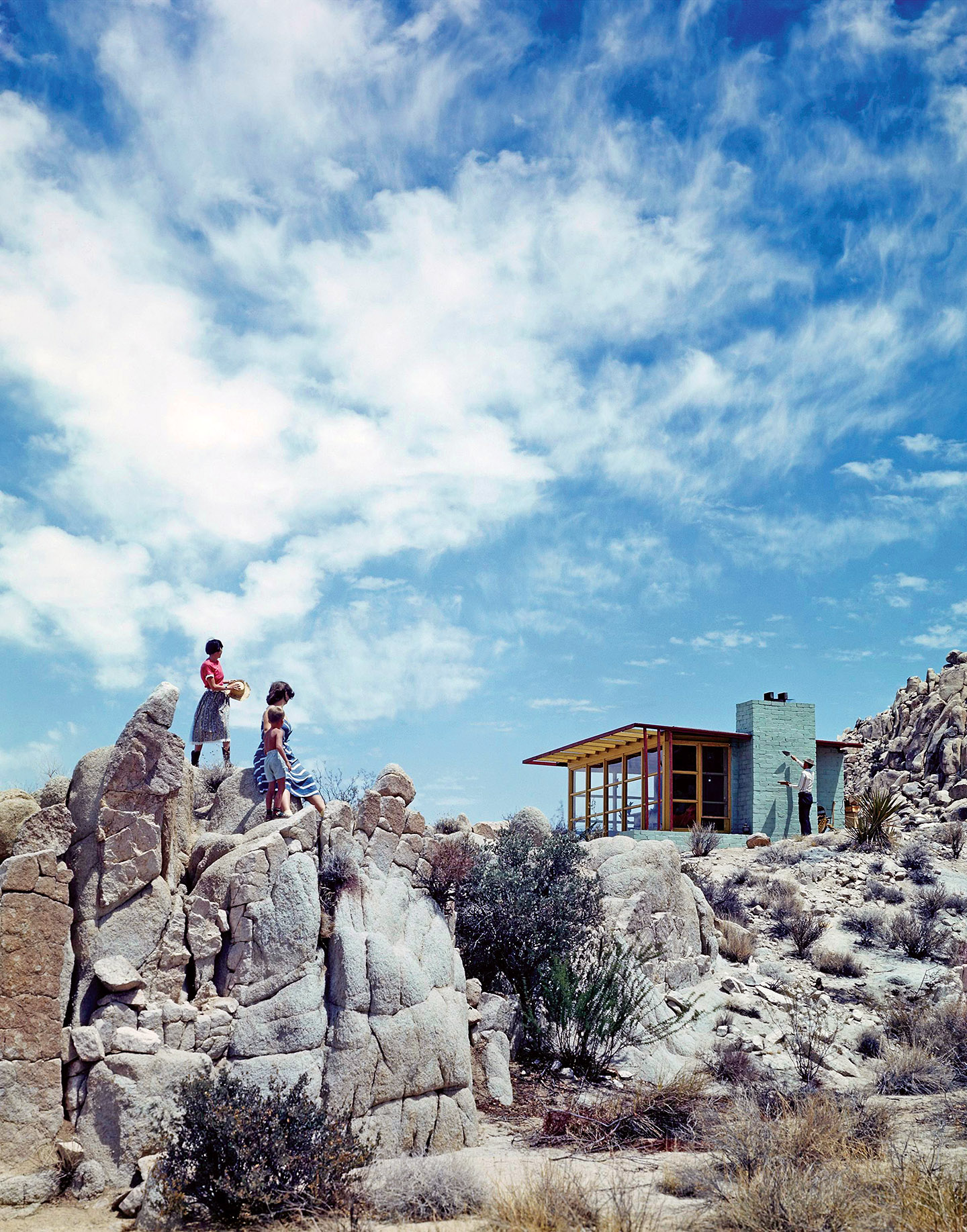
Let’s change our mental model from displaying a single image in a fixed position to traveling through space and observing images arranged in a row.
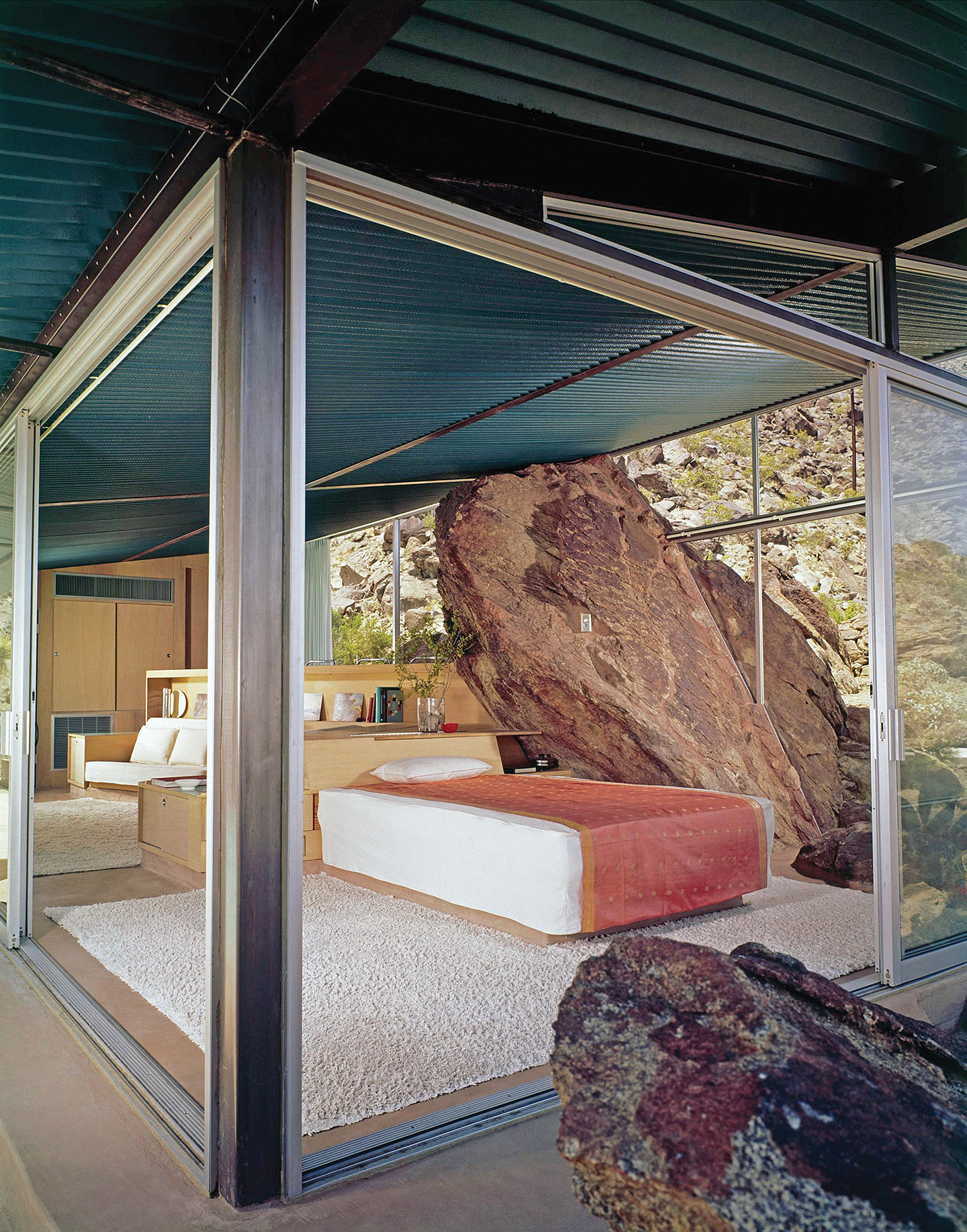
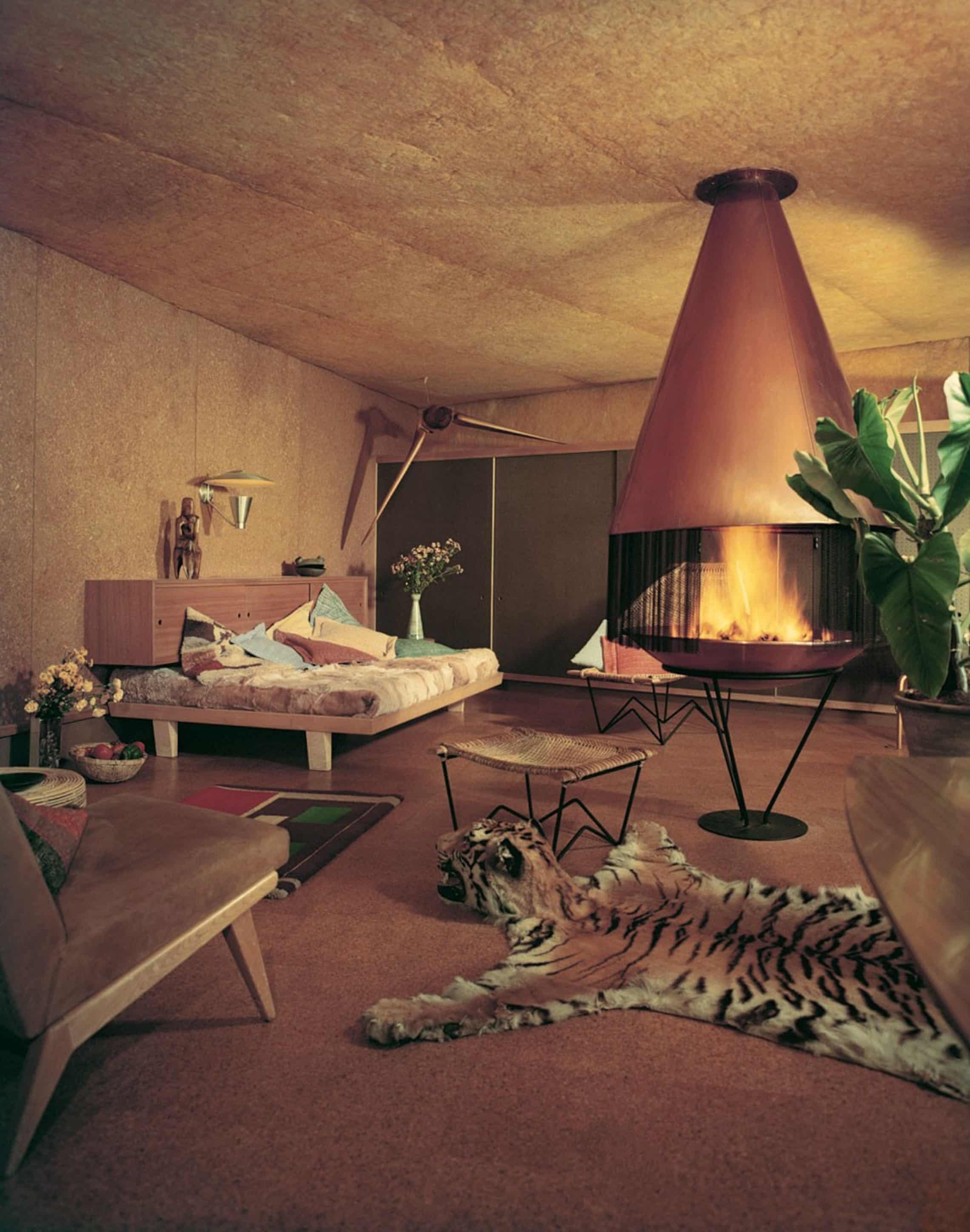
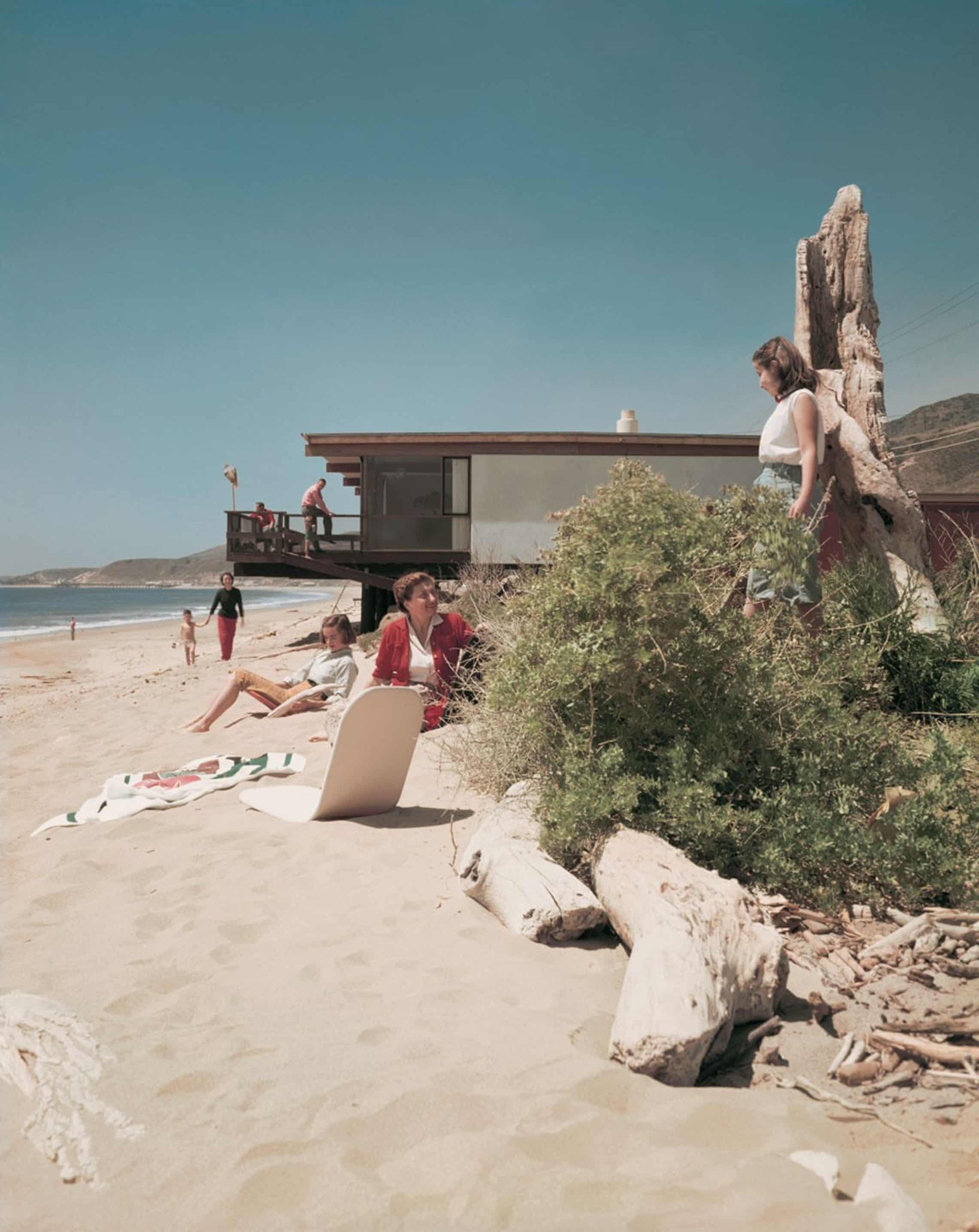
export function Carousel() {
  const ref = useRef(null);
  const viewportSize = useElementSize({ ref });

  const position = useMotionValue(0);

  const itemsPerView = 3;
  const gap = 0.01;

  const bind = useDragScroll(({ offset }) => {
    position.set((offset[0] / viewportSize.width) * itemsPerView);
  });

  return (
    <div
      ref={ref}
      className="relative h-full w-full overflow-hidden overscroll-contain"
      style={{ touchAction: "pan-y" }}
      {...bind()}
    >
      <VirtualRow
        position={position}
        itemsPerView={itemsPerView}
        gap={gap}
        transformValue={(value) => `${value * 100}%`}
        center
      >
        {({ index, x, width }) => {
          const item = items[index];
          return (
            <motion.div
              className="absolute inset-y-0 left-0 flex flex-col justify-center overflow-hidden will-change-transform"
              style={{ x, width }}
            >
              {item ? (
                <img
                  src={item.url}
                  alt={item.alt}
                  className="aspect-3/4 w-full object-cover"
                  draggable="false"
                />
              ) : (
                <div className="flex aspect-3/4 w-full items-center justify-center bg-background">
                  {index}
                </div>
              )}
            </motion.div>
          );
        }}
      </VirtualRow>
    </div>
  );
}
The most important change is that our carousel state is no tracking the active image, but rather a position on a number line.
This example uses the Motion library to track position. Motion gives us a way to use state, viauseMotionValue, to drive DOM transform animations, e.g. <motion.div style={{ x }} />, outside of the React render loop, for smooth 60-120fps performance.
The second important addition is the VirtualRow component, which allows us to declaratively depict an infinite 1D space via React render props. The VirtualRow component handles the layout math and logic to pass off a finite number of elements as infinite and the caller just describes how to render the appropriate item at a given position on the number line. (See below for the full implementation.)
<VirtualRow>
  {({ index, x, width }) => {
    const item = items[index];
    return (
      <motion.div style={{ x, width }}>
        {/* ... */}
      </motion.div>
    );
  }}
</VirtualRow>;
Finally, the useDragScroll hook extends the use-gesture library to support momentum-based dragging & scrolling
1
. We use the offset of the gesture hook to update the position whenever we receive a drag (or scroll) event.
If we had an infinite number of images, we would be done! But now we need a way to map a finite number of images into an infinite row of virtual items.
Periodic space
To do so, we need a new mathematical construct: periodic space. The math in this section borrows heavily from Tom Mohr's excellent interactive article on the subject 2 .
In ordinary 1D Euclidean space, positions live on the real number line, which extends infinitely in each direction. In periodic 1D space, positions wrap around. Moving far enough in one direction brings you back to where you started. We can define a 1D periodic space by a half-open interval with a lower bound and an upper bound . The upper bound is not part of the interval itself. The size of the interval is equal to .
Next, we can define a mapping that takes a real number and returns a corresponding value in the interval . This is called a periodic boundary operator. Intuitively, the periodic boundary operator adds or subtracts , the size of the interval, until is in the range .
The periodic boundary operator for is
If we use an interval of , the boundary operator becomes much more recognizable: . We’re back where we started!
Let’s use the periodic boundary operator to map the infinite indices of our VirtualRow to an interval that represents our images.
const mod = (x: number, n: number) => ((x % n) + n) % n;
const boundaryOp = (x: number, a: number, b: number) => a + mod(x - a, b - a);<VirtualRow>
{({ index, x, width }) => {
const item = items[boundaryOp(index, 0, items.length)];
return (
<motion.div style={{ x, width }}>
{/* ... */}
</motion.div>
);
}}
</VirtualRow>;And now, the full example.
import { useRef } from "react";
import { motion, useMotionValue } from "motion/react";

import { VirtualRow } from "./virtual-row";
import { useDragScroll } from "./use-drag-scroll";
import { useElementSize } from "./use-element-size";
import { items } from "./data";

const mod = (x, n) => ((x % n) + n) % n;
const boundaryOp = (x, a, b) => a + mod(x - a, b - a);

export function Carousel() {
  const ref = useRef(null);
  const viewportSize = useElementSize({ ref });

  const position = useMotionValue(0);

  const itemsPerView = 3;
  const gap = 0.01;

  const bind = useDragScroll(({ offset }) => {
    position.set((offset[0] / viewportSize.width) * itemsPerView);
  });

  return (
    <div
      ref={ref}
      className="relative h-full w-full overflow-hidden overscroll-contain"
      style={{ touchAction: "pan-y" }}
      {...bind()}
    >
      <VirtualRow
        position={position}
        itemsPerView={itemsPerView}
        gap={gap}
        transformValue={(value) => `${value * 100}%`}
        center
      >
        {({ index, x, width }) => {
          const item = items[boundaryOp(index, 0, items.length)];
          return (
            <motion.div
              className="absolute inset-y-0 left-0 flex flex-col justify-center overflow-hidden will-change-transform"
              style={{ x, width }}
            >
              <img
                src={item.url}
                alt={item.alt}
                className="aspect-3/4 w-full object-cover"
                draggable="false"
              />
            </motion.div>
          );
        }}
      </VirtualRow>
    </div>
  );
}
import { useRef, useState } from "react";
import { useMotionValueEvent, useTransform } from "motion/react";
function VirtualRowItem({
index,
position,
itemsPerView,
gap = 0,
center = false,
transformValue = (value) => value,
children,
}) {
const slotSize = 1 / itemsPerView;
const width = slotSize - gap;
const leadingOffset =
(center ? itemsPerView / 2 - 0.5 : 0) * slotSize + gap / 2;
const offset = useTransform(() => index - position.get());
const x = useTransform(() =>
transformValue((offset.get() * slotSize + leadingOffset) / width),
);
return children({ index, width: transformValue(width), x });
}
export function VirtualRow({
position,
itemsPerView,
gap = 0,
overscan = 2,
center = false,
transformValue = (value) => value,
children,
}) {
const centerOffset = center ? itemsPerView / 2 - 0.5 : 0;
const [startIndex, setStartIndex] = useState(
Math.floor(position.get() - centerOffset),
);
const previousPosition = useRef(position.get());
useMotionValueEvent(position, "change", (latest) => {
const offsetPosition = latest - centerOffset;
setStartIndex(
latest > previousPosition.current
? Math.floor(offsetPosition)
: Math.ceil(offsetPosition) - overscan,
);
previousPosition.current = latest;
});
return Array.from({
length: Math.ceil(itemsPerView) + overscan + (center ? 1 : 0),
}).map((_, slot) => {
const index = startIndex + slot;
return (
<VirtualRowItem
key={index}
index={index}
position={position}
itemsPerView={itemsPerView}
gap={gap}
center={center}
transformValue={transformValue}
>
{children}
</VirtualRowItem>
);
});
}import { useEffect, useRef } from "react";
import { useGesture } from "@use-gesture/react";
const INERTIA_TIME_CONSTANT_MS = 325;
export const useDragScroll = (onOffset, config) => {
const { target, eventOptions, window, enabled, transform, ...gestureConfig } =
config ?? {};
const onOffsetRef = useRef(onOffset);
const wheelOffsetRef = useRef([0, 0]);
const dragOffsetRef = useRef([0, 0]);
const releaseVelocityRef = useRef([0, 0]);
const releaseOffsetRef = useRef([0, 0]);
const frameRef = useRef(null);
const lastInertiaTimestampRef = useRef(null);
onOffsetRef.current = onOffset;
const emitOffset = () => {
onOffsetRef.current({
offset: [
-(
wheelOffsetRef.current[0] +
dragOffsetRef.current[0] +
releaseOffsetRef.current[0]
),
-(
wheelOffsetRef.current[1] +
dragOffsetRef.current[1] +
releaseOffsetRef.current[1]
),
],
});
};
const stopInertia = () => {
if (frameRef.current !== null) {
cancelAnimationFrame(frameRef.current);
frameRef.current = null;
}
lastInertiaTimestampRef.current = null;
};
const stepInertia = (timestamp) => {
const previousTimestamp = lastInertiaTimestampRef.current ?? timestamp;
const deltaMs = timestamp - previousTimestamp;
const damping = Math.exp(-deltaMs / INERTIA_TIME_CONSTANT_MS);
lastInertiaTimestampRef.current = timestamp;
releaseOffsetRef.current = [
releaseOffsetRef.current[0] + releaseVelocityRef.current[0] * deltaMs,
releaseOffsetRef.current[1] + releaseVelocityRef.current[1] * deltaMs,
];
releaseVelocityRef.current = [
releaseVelocityRef.current[0] * damping,
releaseVelocityRef.current[1] * damping,
];
emitOffset();
if (
Math.abs(releaseVelocityRef.current[0]) < 0.005 &&
Math.abs(releaseVelocityRef.current[1]) < 0.005
) {
releaseVelocityRef.current = [0, 0];
frameRef.current = null;
return;
}
frameRef.current = requestAnimationFrame(stepInertia);
};
const bind = useGesture(
{
onDrag: ({ event, offset: [x, y] }) => {
event.preventDefault();
dragOffsetRef.current = [x, y];
emitOffset();
},
onDragStart: () => {
releaseVelocityRef.current = [0, 0];
stopInertia();
},
onDragEnd: ({ velocity: [vx, vy], direction: [dirx, diry] }) => {
releaseVelocityRef.current =
Math.abs(vx) > 0.001 || Math.abs(vy) > 0.001
? [vx * dirx, vy * diry]
: [0, 0];
stopInertia();
frameRef.current = requestAnimationFrame(stepInertia);
},
onAbort: () => {
stopInertia();
},
onWheel: ({ offset: [x, y] }) => {
wheelOffsetRef.current = [-x, -y];
emitOffset();
},
},
{
target,
eventOptions,
window,
enabled,
transform,
drag: { filterTaps: true, ...gestureConfig },
wheel: gestureConfig,
},
);
useEffect(() => stopInertia, []);
return bind;
};import { useLayoutEffect, useState } from "react";
export function useElementSize({ ref }) {
const [size, setSize] = useState({ width: 0, height: 0 });
useLayoutEffect(() => {
const element = ref.current;
if (!element) {
return;
}
const updateSize = () => {
const { width, height } = element.getBoundingClientRect();
setSize({ width, height });
};
updateSize();
const resizeObserver = new ResizeObserver(updateSize);
resizeObserver.observe(element);
return () => resizeObserver.disconnect();
}, [ref]);
return size;
}Shortest path in periodic space
You might be wondering why we went through all of the trouble of defining periodic spaces if our implementation was equivalent to using a modulo.
Natural carousel movement is often dependent on finding the shortest path between two images. Take, for example, a goTo function that moves the carousel to a given image.
function goto(index) {
  animate(position, index, {
    type: "spring",
    mass: 0.1,
    restSpeed: 0.01,
  });
}
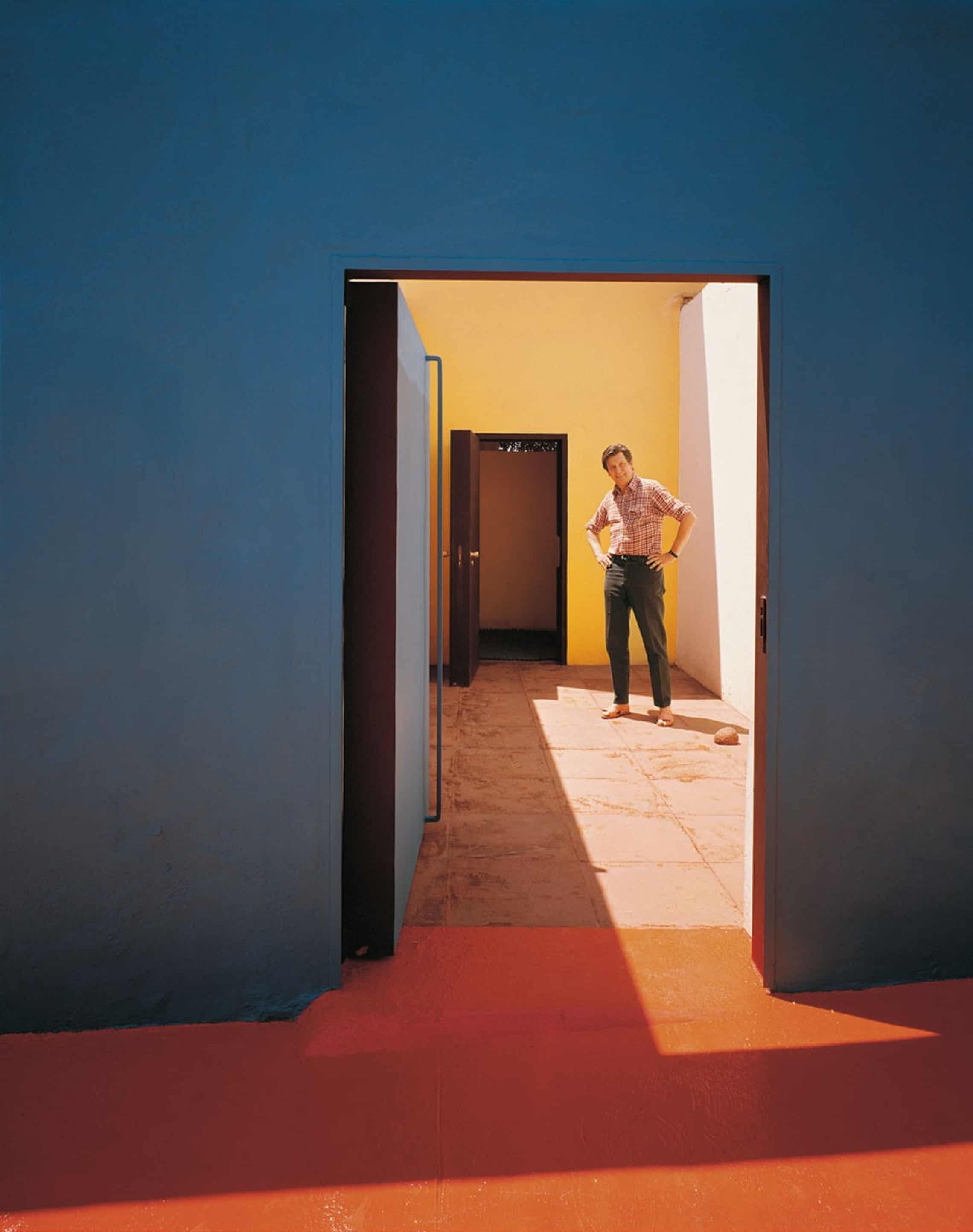
This goTo arrives at the correct image, but feels broken because the carousel is traveling farther than it needs to. Instead of going backwards 1 unit to get to the Mathias Goeritz Residence, the carousel travels forwards 11 units. Then, to get back to the Bailey House, the carousel travels backwards 11 units, rather than forwards 1 unit.
The correct implementation of goTo will minimize the travel distance to arrive at the correct image.
Periodic boundary spaces help us understand why this transition feels wrong, and how to pick a better one.
In normal Euclidean space, there is only one path between two points. In periodic space, every point has infinite periodic equivalents!
The shortest path from one point to another may be across a periodic boundary. Put simply, in a 1D carousel, the shortest path between two images might involve wrapping around from the end of one period to the beginning of another (or vice versa).
Let’s define the shortest connection between points and as the vector that satisfies . In other words, the shortest vector that gets from to , or any periodic equivalent of .
The formula for the shortest connection is where is the boundary operator on the interval
Why is this the case? The best way to think about this is to say that is one possible connection, but not necessarily the shortest one. The shortest connection will be plus or minus some unknown multiple of , the interval size. What is the range of our desired value? Well, we know that the shortest path may be either backwards or forwards. Specifically, it will be within the range since those correspond to the maximum travel in either direction before the other way around is shorter. And what do we do if we have a number and we want to unwind it back to a given interval? We send it through a periodic boundary operator!
Now we can implement a goTo that always takes the most efficient path to the desired result.
const getShortestConnection = (x, y, w) =>
  boundaryOp(y - x, -w / 2, w / 2);

function goto(index) {
  const current = position.get();
  const target =  current + getShortestConnection(current, index, items.length);

  animate(position, target, {
    type: "spring",
    mass: 0.1,
    restSpeed: 0.01,
  });
}
Infinite grid
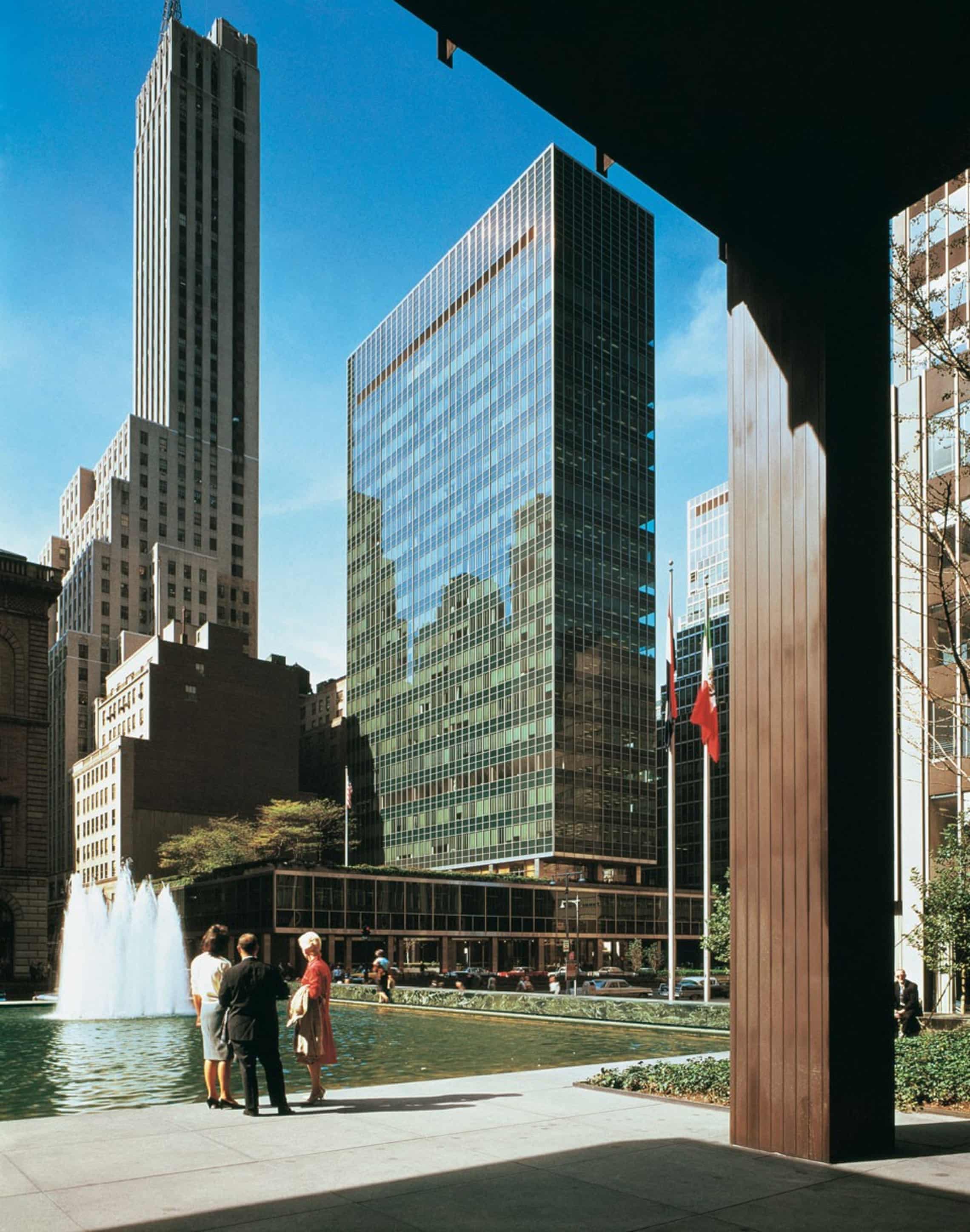
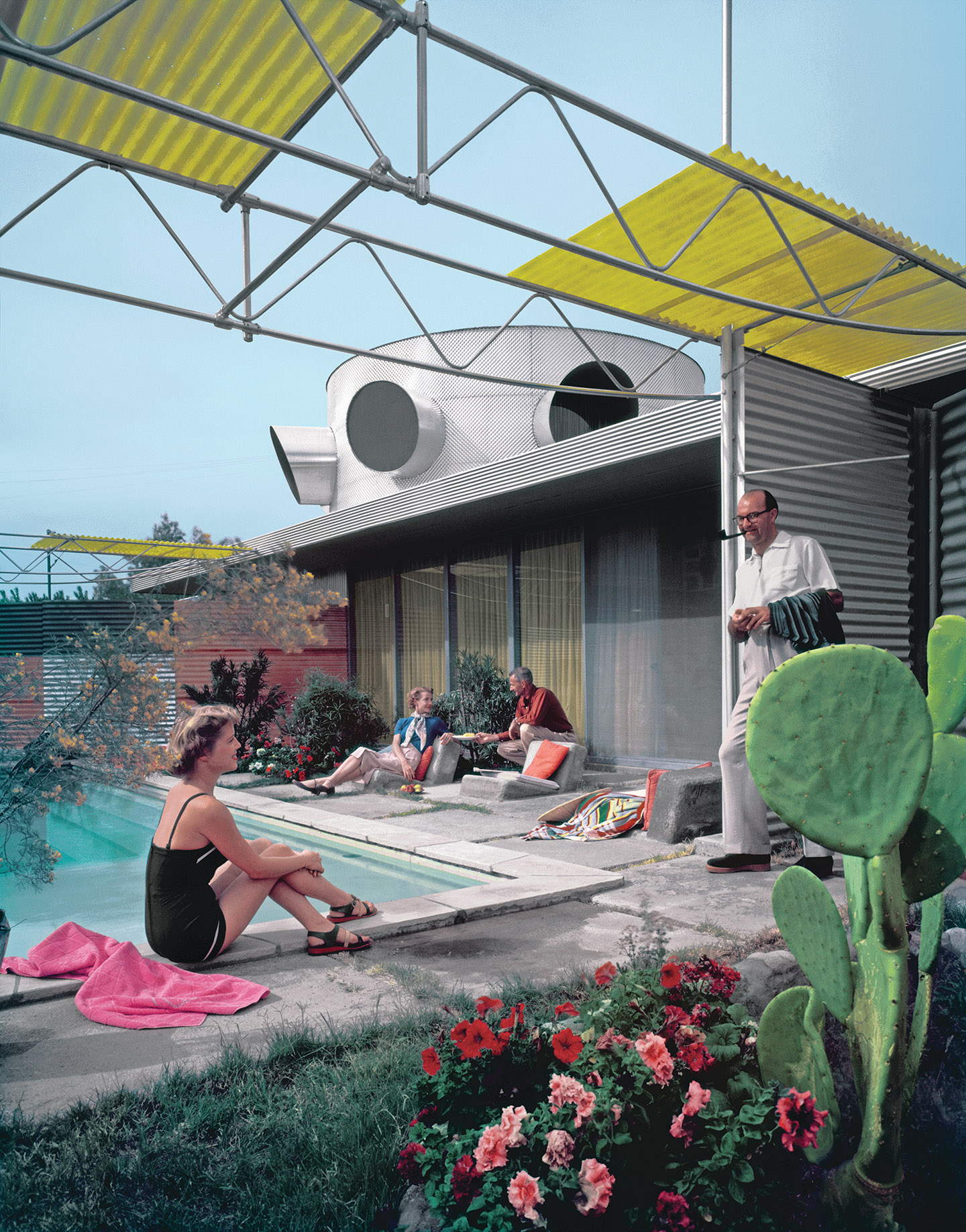
An infinite grid is similar to a carousel, except the periodic space works in two dimensions.
Fortunately, all of our math for periodic boundary conditions works in 2D by applying operators element-wise (in both the and dimensions respectively).
We can generalize our implementation to build an infinite image grid. Instead of a VirtualRow we will use a VirtualGrid to depict infinite 2D space.
<VirtualGrid>
  {({ column, row, x, y, width, height }) => {
    const indexX = boundaryOp(column, 0, columns);
    const indexY = boundaryOp(row, 0, rows);
    const item = items[indexY * columns + indexX]; // row-major order
    return (
      <motion.div style={{ x, y, width, height }}>
        {/* ... */}
      </motion.div>
    );
  }}
</VirtualGrid>;
The only complexity in 2D comes from accessing our array of input images as a 2D array in row-major order.
Here is a complete example.
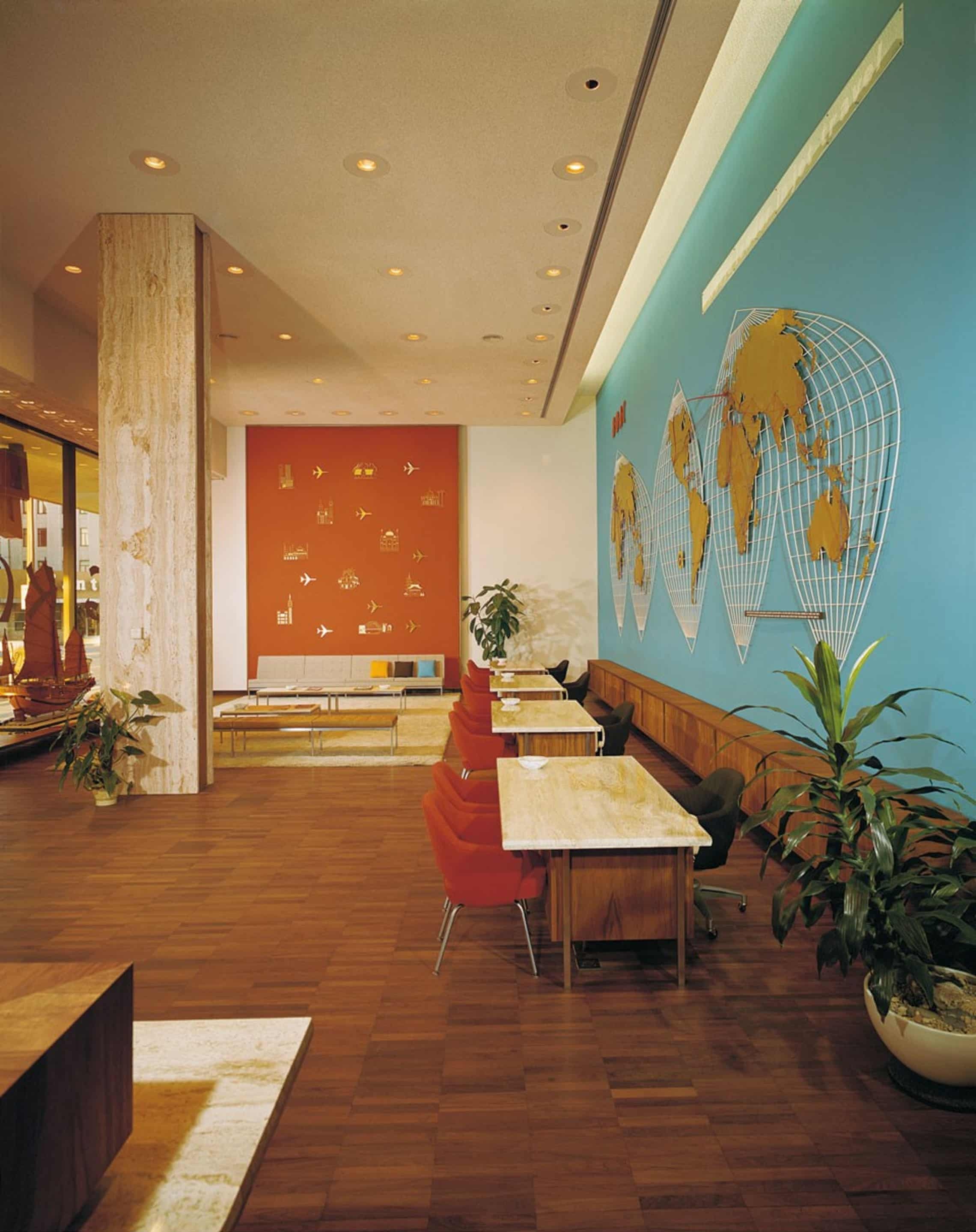
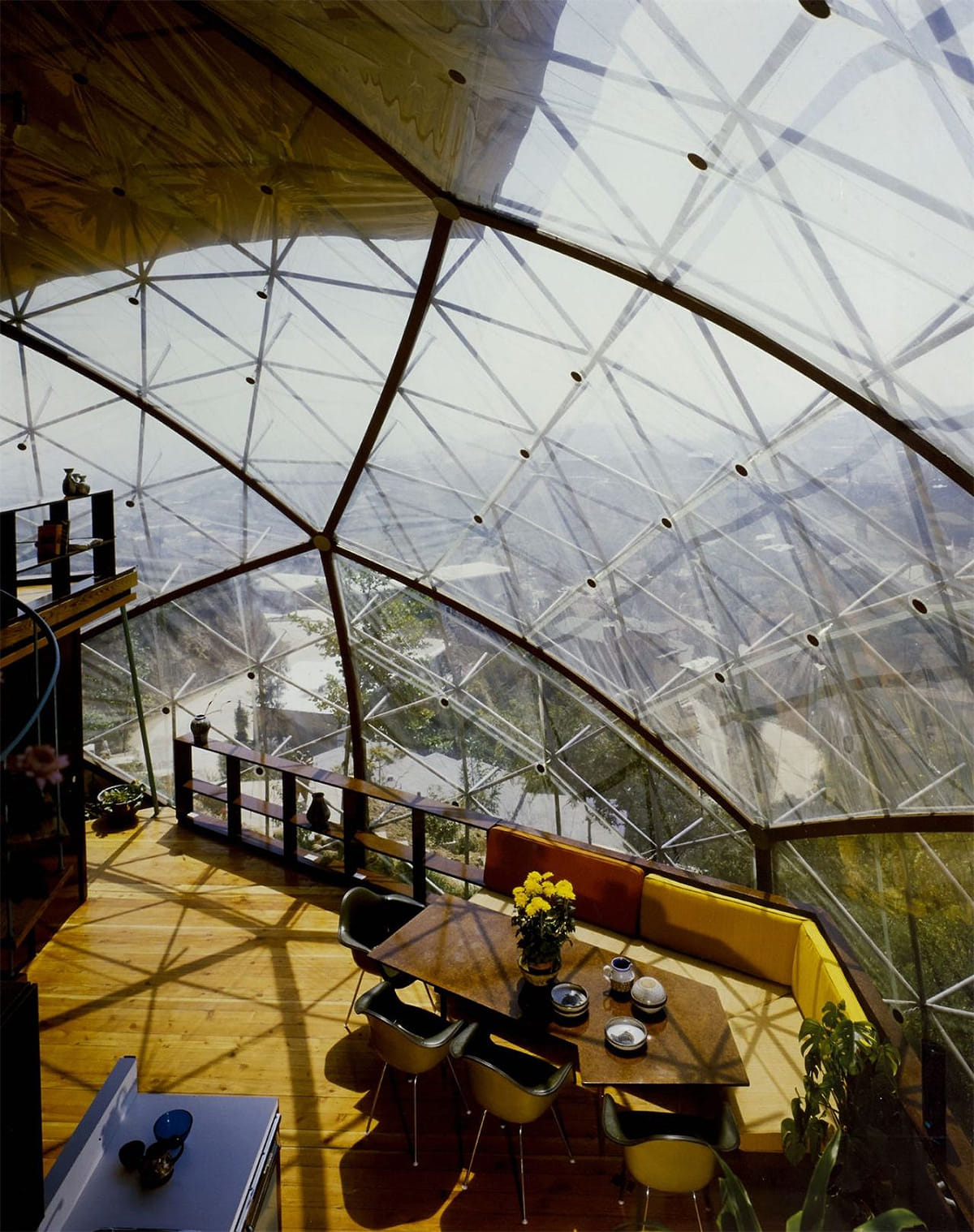

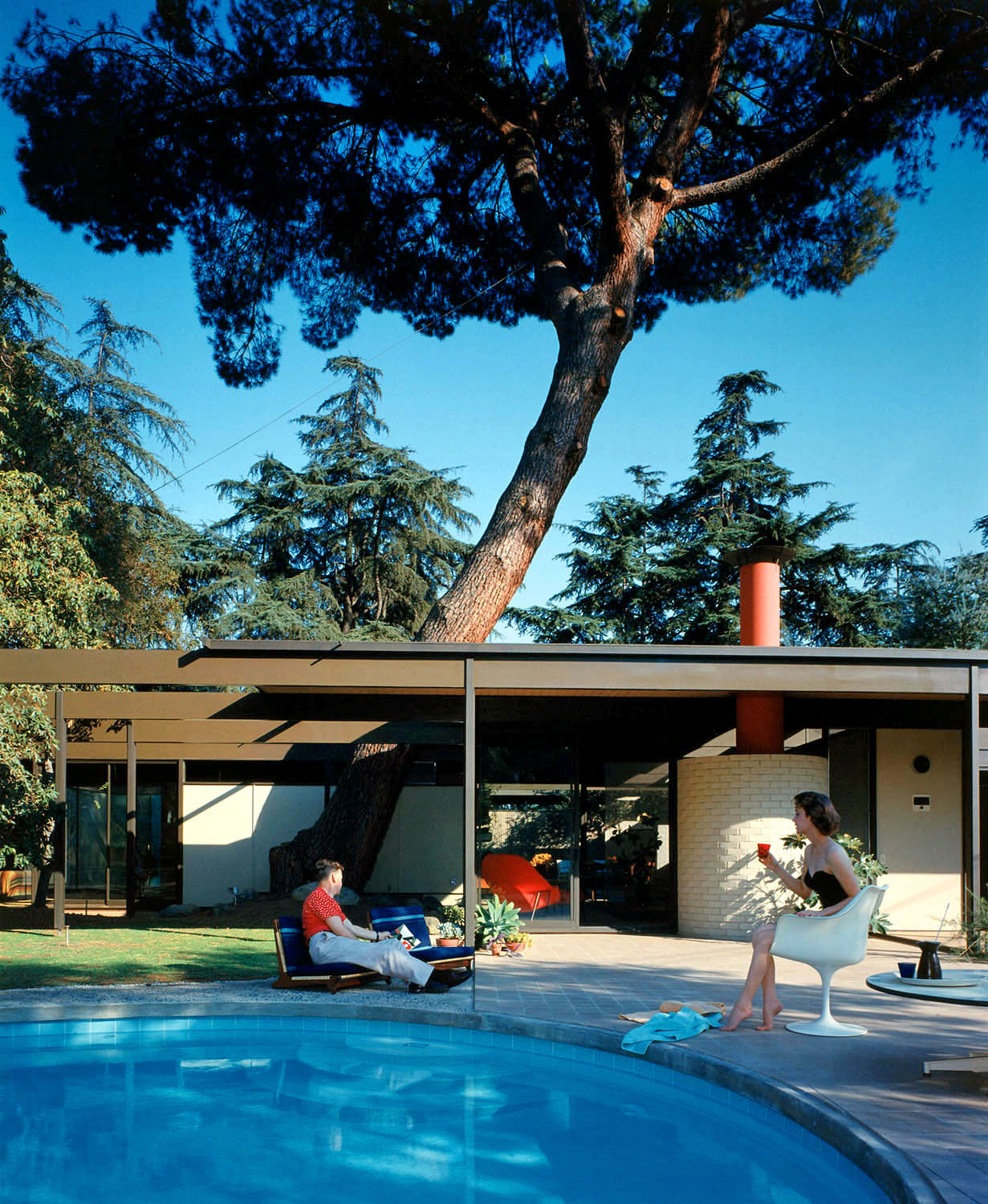
import { useRef } from "react";
import { motion, useMotionValue } from "motion/react";

import { VirtualGrid } from "./virtual-grid";
import { useDragScroll } from "./use-drag-scroll";
import { useElementSize } from "./use-element-size";
import { items } from "./data";

const mod = (x, n) => ((x % n) + n) % n;

export function Grid() {
  const ref = useRef(null);
  const viewportSize = useElementSize({ ref });

  const positionX = useMotionValue(0);
  const positionY = useMotionValue(0);

  const viewportAspectRatio = 4 / 3;
  const itemAspectRatio = 3 / 4;
  const columns = 6;
  const rows = 2;
  const gapX = 0.01;
  const gapY = gapX * viewportAspectRatio;

  const itemsPerViewX = 3;
  const itemWidth = (1 - (itemsPerViewX + 1) * gapX) / itemsPerViewX;
  const itemHeight = (itemWidth * viewportAspectRatio) / itemAspectRatio;
  const itemsPerViewY = (1 - gapY) / (itemHeight + gapY);

  const bind = useDragScroll(({ offset }) => {
    positionX.set((offset[0] / viewportSize.width) * itemsPerViewX);
    positionY.set((offset[1] / viewportSize.height) * itemsPerViewY);
  });

  return (
    <div
      ref={ref}
      className="relative h-full w-full overflow-hidden overscroll-contain"
      style={{ touchAction: "none" }}
      {...bind()}
    >
      <VirtualGrid
        position={[positionX, positionY]}
        itemsPerView={[itemsPerViewX, itemsPerViewY]}
        gap={[gapX, gapY]}
        transformValue={(value) => `${value * 100}%`}
        center
      >
        {({ column, row, x, y, width, height }) => {
          const indexX = mod(column, columns);
          const indexY = mod(row, rows);
          const item = items[indexY * columns + indexX];
          return (
            <motion.div
              className="absolute top-0 left-0 overflow-hidden will-change-transform"
              style={{
                x,
                y,
                width,
                height,
              }}
            >
              <img
                src={item.url}
                alt={item.alt}
                className="aspect-3/4 w-full object-cover"
                draggable="false"
              />
            </motion.div>
          );
        }}
      </VirtualGrid>
    </div>
  );
}
import { useRef, useState } from "react";
import { useMotionValueEvent, useTransform } from "motion/react";
function VirtualGridItem({
column,
row,
position,
itemsPerView,
gap = [0, 0],
center = false,
transformValue = (value) => value,
children,
}) {
const [positionX, positionY] = position;
const [itemsPerViewX, itemsPerViewY] = itemsPerView;
const [gapX, gapY] = gap;
const slotWidth = 1 / itemsPerViewX;
const slotHeight = 1 / itemsPerViewY;
const width = slotWidth - gapX;
const height = slotHeight - gapY;
const leadingOffsetX =
(center ? itemsPerViewX / 2 - 0.5 : 0) * slotWidth + gapX / 2;
const leadingOffsetY =
(center ? itemsPerViewY / 2 - 0.5 : 0) * slotHeight + gapY / 2;
const offsetX = useTransform(() => column - positionX.get());
const offsetY = useTransform(() => row - positionY.get());
const x = useTransform(() =>
transformValue((offsetX.get() * slotWidth + leadingOffsetX) / width),
);
const y = useTransform(() =>
transformValue((offsetY.get() * slotHeight + leadingOffsetY) / height),
);
return children({
column,
row,
width: transformValue(width),
height: transformValue(height),
x,
y,
});
}
export function VirtualGrid({
position,
itemsPerView,
gap = [0, 0],
overscan = [2, 2],
center = false,
transformValue = (value) => value,
children,
}) {
const [positionX, positionY] = position;
const [itemsPerViewX, itemsPerViewY] = itemsPerView;
const [overscanX, overscanY] = overscan;
const centerOffsetX = center ? itemsPerViewX / 2 - 0.5 : 0;
const centerOffsetY = center ? itemsPerViewY / 2 - 0.5 : 0;
const [startColumn, setStartColumn] = useState(
Math.floor(positionX.get() - centerOffsetX),
);
const [startRow, setStartRow] = useState(
Math.floor(positionY.get() - centerOffsetY),
);
const previousPositionX = useRef(positionX.get());
const previousPositionY = useRef(positionY.get());
useMotionValueEvent(positionX, "change", (latest) => {
const offsetPosition = latest - centerOffsetX;
setStartColumn(
latest > previousPositionX.current
? Math.floor(offsetPosition)
: Math.ceil(offsetPosition) - overscanX,
);
previousPositionX.current = latest;
});
useMotionValueEvent(positionY, "change", (latest) => {
const offsetPosition = latest - centerOffsetY;
setStartRow(
latest > previousPositionY.current
? Math.floor(offsetPosition)
: Math.ceil(offsetPosition) - overscanY,
);
previousPositionY.current = latest;
});
return Array.from({
length: Math.ceil(itemsPerViewX) + overscanX + (center ? 1 : 0),
}).flatMap((_, slotX) =>
Array.from({
length: Math.ceil(itemsPerViewY) + overscanY + (center ? 1 : 0),
}).map((__, slotY) => {
const column = startColumn + slotX;
const row = startRow + slotY;
return (
<VirtualGridItem
key={`${column}-${row}`}
column={column}
row={row}
position={position}
itemsPerView={itemsPerView}
gap={gap}
center={center}
transformValue={transformValue}
>
{children}
</VirtualGridItem>
);
}),
);
}import { useEffect, useRef } from "react";
import { useGesture } from "@use-gesture/react";
const INERTIA_TIME_CONSTANT_MS = 325;
export const useDragScroll = (onOffset, config) => {
const { target, eventOptions, window, enabled, transform, ...gestureConfig } =
config ?? {};
const onOffsetRef = useRef(onOffset);
const wheelOffsetRef = useRef([0, 0]);
const dragOffsetRef = useRef([0, 0]);
const releaseVelocityRef = useRef([0, 0]);
const releaseOffsetRef = useRef([0, 0]);
const frameRef = useRef(null);
const lastInertiaTimestampRef = useRef(null);
onOffsetRef.current = onOffset;
const emitOffset = () => {
onOffsetRef.current({
offset: [
-(
wheelOffsetRef.current[0] +
dragOffsetRef.current[0] +
releaseOffsetRef.current[0]
),
-(
wheelOffsetRef.current[1] +
dragOffsetRef.current[1] +
releaseOffsetRef.current[1]
),
],
});
};
const stopInertia = () => {
if (frameRef.current !== null) {
cancelAnimationFrame(frameRef.current);
frameRef.current = null;
}
lastInertiaTimestampRef.current = null;
};
const stepInertia = (timestamp) => {
const previousTimestamp = lastInertiaTimestampRef.current ?? timestamp;
const deltaMs = timestamp - previousTimestamp;
const damping = Math.exp(-deltaMs / INERTIA_TIME_CONSTANT_MS);
lastInertiaTimestampRef.current = timestamp;
releaseOffsetRef.current = [
releaseOffsetRef.current[0] + releaseVelocityRef.current[0] * deltaMs,
releaseOffsetRef.current[1] + releaseVelocityRef.current[1] * deltaMs,
];
releaseVelocityRef.current = [
releaseVelocityRef.current[0] * damping,
releaseVelocityRef.current[1] * damping,
];
emitOffset();
if (
Math.abs(releaseVelocityRef.current[0]) < 0.005 &&
Math.abs(releaseVelocityRef.current[1]) < 0.005
) {
releaseVelocityRef.current = [0, 0];
frameRef.current = null;
return;
}
frameRef.current = requestAnimationFrame(stepInertia);
};
const bind = useGesture(
{
onDrag: ({ event, offset: [x, y] }) => {
event.preventDefault();
dragOffsetRef.current = [x, y];
emitOffset();
},
onDragStart: () => {
releaseVelocityRef.current = [0, 0];
stopInertia();
},
onDragEnd: ({ velocity: [vx, vy], direction: [dirx, diry] }) => {
releaseVelocityRef.current =
Math.abs(vx) > 0.001 || Math.abs(vy) > 0.001
? [vx * dirx, vy * diry]
: [0, 0];
stopInertia();
frameRef.current = requestAnimationFrame(stepInertia);
},
onAbort: () => {
stopInertia();
},
onWheel: ({ offset: [x, y] }) => {
wheelOffsetRef.current = [-x, -y];
emitOffset();
},
},
{
target,
eventOptions,
window,
enabled,
transform,
drag: { filterTaps: true, ...gestureConfig },
wheel: gestureConfig,
},
);
useEffect(() => stopInertia, []);
return bind;
};import { useLayoutEffect, useState } from "react";
export function useElementSize({ ref }) {
const [size, setSize] = useState({ width: 0, height: 0 });
useLayoutEffect(() => {
const element = ref.current;
if (!element) {
return;
}
const updateSize = () => {
const { width, height } = element.getBoundingClientRect();
setSize({ width, height });
};
updateSize();
const resizeObserver = new ResizeObserver(updateSize);
resizeObserver.observe(element);
return () => resizeObserver.disconnect();
}, [ref]);
return size;
}In 2D, there are even more candidates for connections between the current image and any other given image. Now you can see why we spent the time to establish a simple formula from using the periodic boundary operator. Without the formula above, we would have to manually compare distances in not just two directions (left & right), but at least four (up left, up right, down left, & down right).
Fortunately, our formula for finding the shortest connection can also be applied element-wise, helping us find the shortest connection in both dimensions.
The mathematically elegant goTo in 2D space looks like this.
const getShortestConnection = (x, y, w) =>
  boundaryOp(y - x, -w / 2, w / 2);

function goto(indexX: number, indexY: number) {
    const currentX = positionX.get();
    const targetX = currentX + getShortestConnection(currentX, indexX, columns);

    const currentY = positionY.get();
    const targetY = currentY + getShortestConnection(currentY, indexY, rows);

    animate(positionX, targetX, {
      type: "spring",
      mass: 0.1,
      restSpeed: 0.01,
    });
    animate(positionY, targetY, {
      type: "spring",
      mass: 0.1,
      restSpeed: 0.01,
    });
  }
Flat cylinders
Up to this point, we’ve understood our carousel to be flat. But imagine our carousel as a piece of paper. If we roll the paper so that the left and right edges meet, we can transform it into a cylinder.
Traveling around the cylinder (in 3D space) produces the same effect as traveling along our carousel. What does this mean mathematically?
This transformation shows that a cylinder is topologically equivalent to a rectangle with periodic boundary conditions in one dimension! This is sometimes called the "flat space" of the cylinder.
The implementation is especially elegant because 3D rendering engines already have a convention for mapping between flat space and 3D surfaces: UV coordinates. For tiling textures, UV coordinates refer to a 2D periodic space bounded by in both dimensions. By rendering our row of images to a UV texture, and offsetting our texture in one dimension, we can recreate our looping carousel as a cylinder.
Flat toruses
Finally, we come to the reveal that I teased in the title of the article. If we return to our topological paper analogy, what shape would we get if we could simultaneously connect the left & right edges of our paper and the bottom and top edges?
A torus! The torus is topologically equivalent to a rectangle with periodic boundary conditions in two dimensions.
Traveling across the surface of the torus is analogous to traversing our infinite image grid!
If you're interested in this particular rabbit hole, you can read more about flat space (and see a depiction of Torus Earth) on Wyrd Smythe's Logos con Carne 3 .
There's also a fascinating, related mathematical problem, which is how to bend a rectangle into a torus, without distorting distance in one dimension. For more on the so called isometric embedding of the flat square torus, see the Hévéa Project 4 .
-
This helper is necessary because
wheelevents bake in kinetic momentum, butdragevents don't. For a deeper dive on the math behind iOS-style kinetics, see Ariya Hidayat's JavaScript Kinetic Scrolling: Part 2 (2013) ↩︎ - Tom Mohr, A Practical Guide to Periodic Boundary Conditions (2022) ↩︎
- Wyrd Smythe, Flat Space of the Torus (2021) ↩︎
- Hévéa Project, Flat tori finally visualized (2012) ↩︎
Principal of A Lot of Moving Parts, a design and technology studio. Columbia GSAPP adjunct faculty.